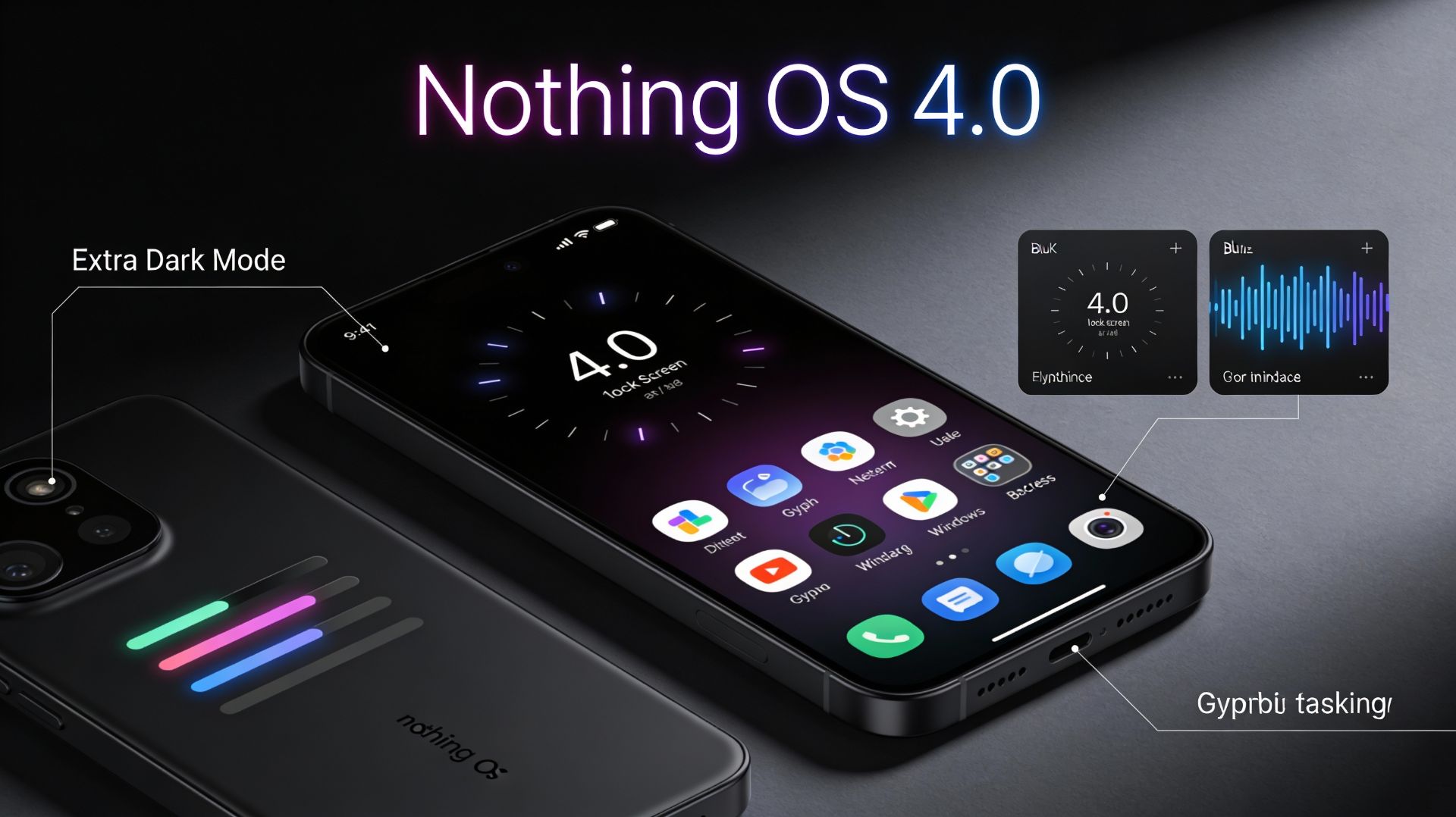
It finally happened. Nothing OS 4.0—the update that's been teased since the summer—is rolling out, and it's massive. If you're a CMF Phone 1 or Phone 2 Pro owner in India, you're about to experience the most comprehensive redesign Nothing has ever shipped. Based on Android 16, this isn't just a polish job. It's a philosophical reset about what your phone's interface should actually do.
Let's break down what's coming, why it matters, and when you'll get it.
The Rollout: It's Happening Now, But Slowly

Here's the real deal: Nothing OS 4.0 started rolling out to CMF Phone 1 users on December 25-26, 2025. The update comes as a ~2GB OTA package (build number: Tetris-B4.0-251216-1717-IND) and will deploy in phases over the coming days and weeks.
If you own a CMF Phone 2 Pro, don't sweat it—the update will arrive in January 2026. Nothing Phone (3a) Lite users will get it early next year as well.
The phased rollout means you might not see the update on your device immediately, even if you own a compatible model. Head to Settings > System and check for it daily if you're eager.
Design & Visuals: Minimalism That Actually Breathes
This is where Nothing OS 4.0 makes its boldest statement. The entire visual language has been recalibrated around one principle: remove friction. Less clutter. More clarity. Better hierarchy.
Refreshed First-Party App Icons are the first thing you'll notice. Gone are overly complex designs—in come cleaner, more minimal icons that your brain genuinely processes faster. Sounds trivial? Icon design is something you see hundreds of times per day. When it's right, it disappears. When it's wrong, it exhausts you.
Updated Status Bar Icons now follow a unified visual style inspired by Android 16. Wi-Fi, battery, and data indicators are simpler and more readable at a glance. The noise has been intentionally stripped away.
New Lock Screen Clocks bring actual character to what you see dozens of times daily. Two new futuristic, geek-forward clock faces join the existing options, with refined fonts and styling that feel bold without being gaudy.
Extra Dark Mode is not just "dark theme v2"—it goes deeper. This implementation delivers truly deep blacks, improved contrast ratios, and measurable battery savings on AMOLED screens. It applies across notifications, Quick Settings, the App Drawer, and first-party apps like Essential Space and Launcher. For night owls and late-night workers, this is a game-changer for both comfort and endurance.
Smoother Interaction Animations received serious attention. Physics and motion throughout the system have been reworked so the Notification Shade, app transitions, and gestures feel naturally weighted and responsive. Every swipe and tap carries tactility that makes navigation feel intentional.
And here's a small-but-excellent detail: Haptic Feedback at Volume Limits. Adjust your volume without looking at the screen—when you hit maximum or minimum, subtle haptic feedback confirms you've reached the limit.
Multitasking & Daily Flow: Finally, Practical Power Features
Nothing OS 4.0 isn't just pretty. The functional improvements are where the real utility emerges.
Pop-up View Refined brings genuine multitasking. Open two apps in floating windows simultaneously and switch between them with simple gestures. This isn't forced fragmentation—it's actual context-switching without losing your place in either app. For anyone juggling chat, maps, notes, and browsers simultaneously, this solves a real problem.
2×2 Quick Settings Tiles consolidate essential controls into a more compact layout. No more scrolling through endless toggles to find what you need.
More Widget Sizes (including 1×1 and 2×1 layouts) for Weather, Pedometer, and Screen Time widgets give power users granular control over their home screen density.
Hidden App Icons let you declutter your App Drawer without moving apps to a Private Space. Less-used apps remain searchable but out of sight.
System and App Optimization Dashboard shows what's running in the background and lets you optimize performance with one tap. Your phone keeps itself efficient without you micromanaging it.
Glyph Progress: Notifications Get Smart
Here's where Nothing's biggest hardware differentiator—the Glyph Interface—becomes genuinely useful.
Glyph Progress syncs real-time information (rides, deliveries, timers) across both your main display and the Glyph light patterns on the back. Instead of notification spam, you get visual progress through light and motion.
The genius part? Nothing is no longer limited to specific app partnerships. With Android 16's Live Updates framework, most apps that support the feature will now integrate with Glyph Progress, dramatically expanding compatibility for services you actually use.
For CMF Phone 1 users, this means your notifications literally become less intrusive and more informative.
Playground: AI Meets Creativity (The Real Game-Changer)
This is the feature that makes Nothing OS 4.0 different from every other Android skin.
Essential Apps (Playground) lets you create custom widgets by chatting with AI—no coding required. You describe what you want, AI builds it. Instantly. Want a widget that shows your meeting schedule with weather overlays? Chat it into existence.
Widget Drawer organizes all your creations in one place, making it trivial to swap, find, and share your custom widgets with the community.
This transforms your phone from a consumption device into a creative canvas. In a market drowning in samey-looking smartphones, this is legitimately differentiated.
Privacy & AI Transparency: The Right Way to Do It
As AI becomes embedded in more of Nothing OS 4.0, the company is doing something increasingly rare: making it transparent.
AI Status Hints put a visible indicator in your status bar when an LLM is active. No hidden processing in the background. You see it, you control it.
AI Usage Dashboard lets you track exactly which AI features you're using and monitor your privacy posture. Given the surveillance concerns around modern AI integration, this level of transparency feels genuinely thoughtful.
Essential Memory: Your Phone Gets Context Awareness
Coming soon (with the next Essential Space update), Essential Memory represents a conceptual leap.
Until now, Essential Space stored what you captured. Memory makes your phone actually understand what you saved. Imagine saving a poster from an event and tagging it "April events." Later, you ask: "Is there anything interesting happening next month?" Your phone retrieves it.
This isn't just storage—it's a second brain that understands context.
Phone (3) Exclusives: Hardware Optimization
If you're on a Nothing Phone (3), you get exclusive features that leverage its unique hardware:
Glyph Mirror Selfie: Capture Matrix-style reflections via the Glyph Interface
Smarter Flip to Glyph: Choose between Vibrate or Silent when you flip the phone face-down
Pocket Mode: Glyph automatically disables in your pocket to save battery
New Glyph Toys: Hourglass and Lunar Cycle animations
CMF Phone Upgrade Path: What You Need to Know
CMF Phone 1 users are getting their final major OS upgrade. It'll receive Nothing OS 4.0 and security updates for the life of the device, but no more major OS jumps.
CMF Phone 2 Pro is getting its first major upgrade, and you're eligible for up to three major Android updates (through Android 18) plus six years of security patches.
Installation & Performance
The update is approximately 2-3GB depending on your device. You'll see it arrive as an OTA notification in Settings > System. If you're eager, you can check manually, though phased rollouts mean you might need to wait a few days.
Performance-wise, users in the beta reported smoother animations and faster app launches, particularly noticeable in Quick Settings and app switching.
The Verdict: Why This Update Actually Matters
Nothing OS 4.0 succeeds because it understands a fundamental truth: most people don't want more features. They want their existing features to work smoother, look cleaner, and drain less battery.
The redesigned visuals trim the fat. The Glyph Progress integration makes notifications useful instead of annoying. The Playground feature differentiates Nothing from Samsung, Google, and everyone else trying to sell Android. And the privacy controls around AI set a standard the industry should follow.
For CMF Phone 1 and Phone 2 Pro users, this update isn't just an annual refresh. It's the moment your phone finally feels intentionally designed, not like a feature roadmap crammed into a ROM.
Check your Settings. Your update is coming.
Frequently Asked Questions